
WooCommerce and Shopify
The web shop and the store work with the same items, stock and prices.
Sold in the store, gone from the web.
A paid web order becomes a fiscalized invoice and goes to the customer. Items, stock and prices sync both ways, so what sells in the store disappears from the web too.
- Our own KigoCloud for WooCommerce plugin
- R1 company invoice at checkout
- Invoice and e-mail in English or German
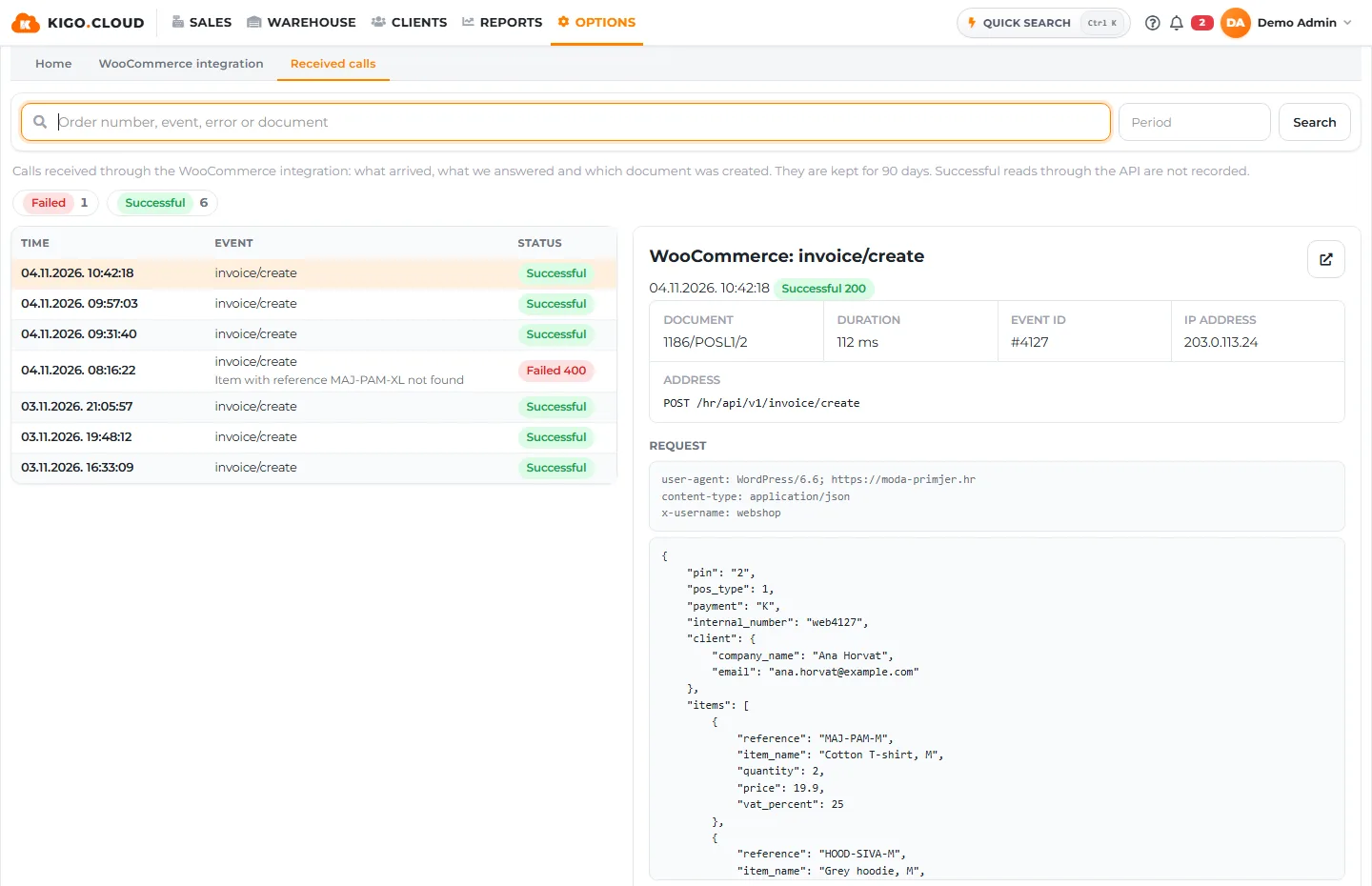
You choose when an order becomes an invoice.
The KigoCloud for WooCommerce plugin follows the order statuses in your shop. For every payment method you decide whether an invoice or a quote is created and at which order status. A card payment can become an invoice at once, and a bank transfer a quote first and an invoice when the money arrives.
One order gives one document, and the customer gets the invoice by e-mail.
- Invoice or quote per payment method
- The order status that triggers it, e.g. completed
- Settings in WordPress, same login as Kigo.Cloud
| Payment | Document | When |
|---|---|---|
| Card | Invoice | Completed |
| Bank transfer | Quote | On hold |
| Cash on delivery | Invoice | Completed |
Companies get an R1 invoice, foreign buyers one in their language.
A company customer enters its name and OIB at checkout and gets an R1 invoice. For a customer outside Croatia the invoice and the e-mail can be in English or German, and the ZKI and JIR stay on the invoice in the foreign language too.
- Company name and OIB at checkout
- Invoice language for foreign customers
- Fiscalized like every other invoice
E-mail to the customer: Ihre Rechnung
One stock for the store and the web.
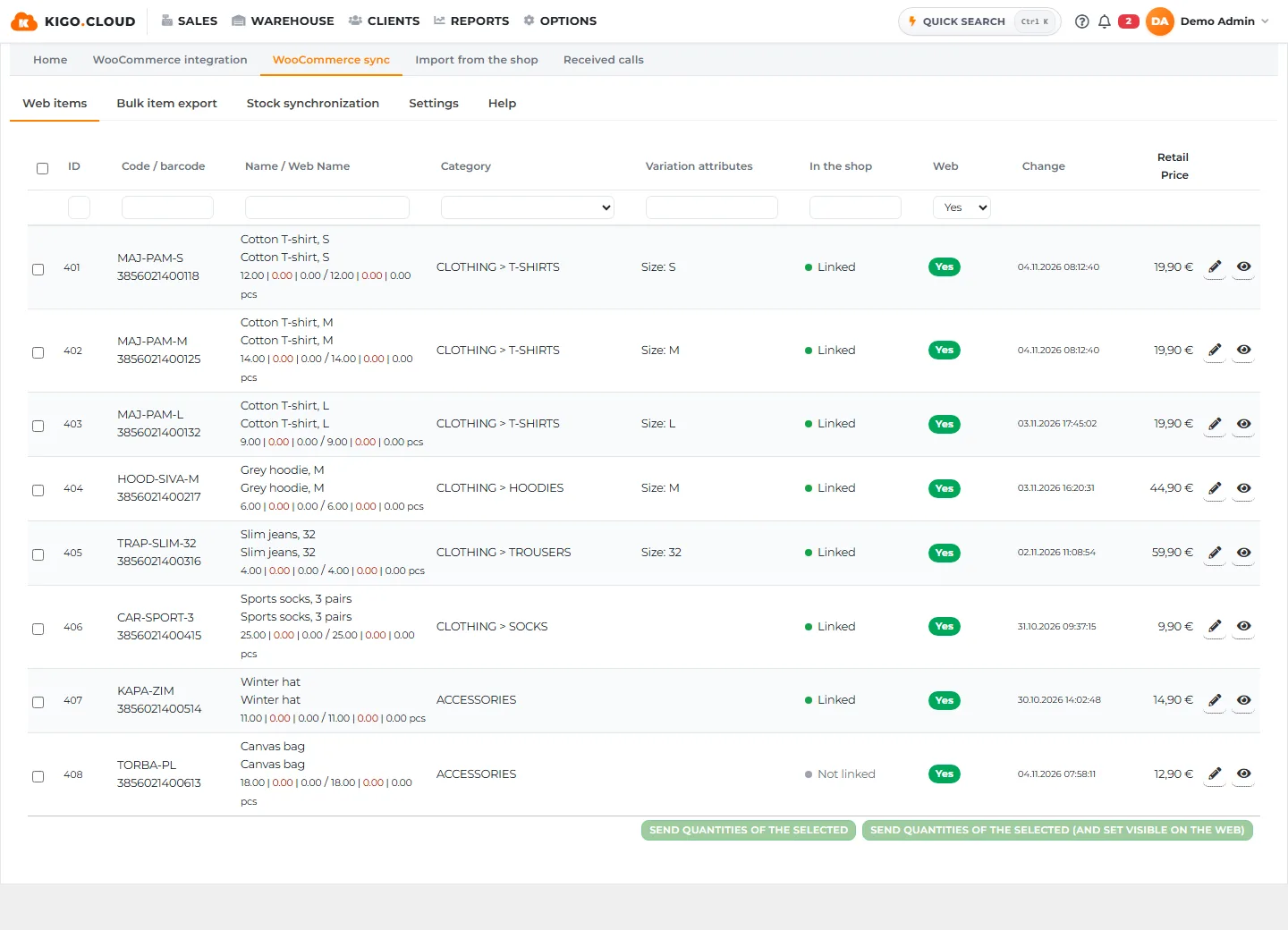
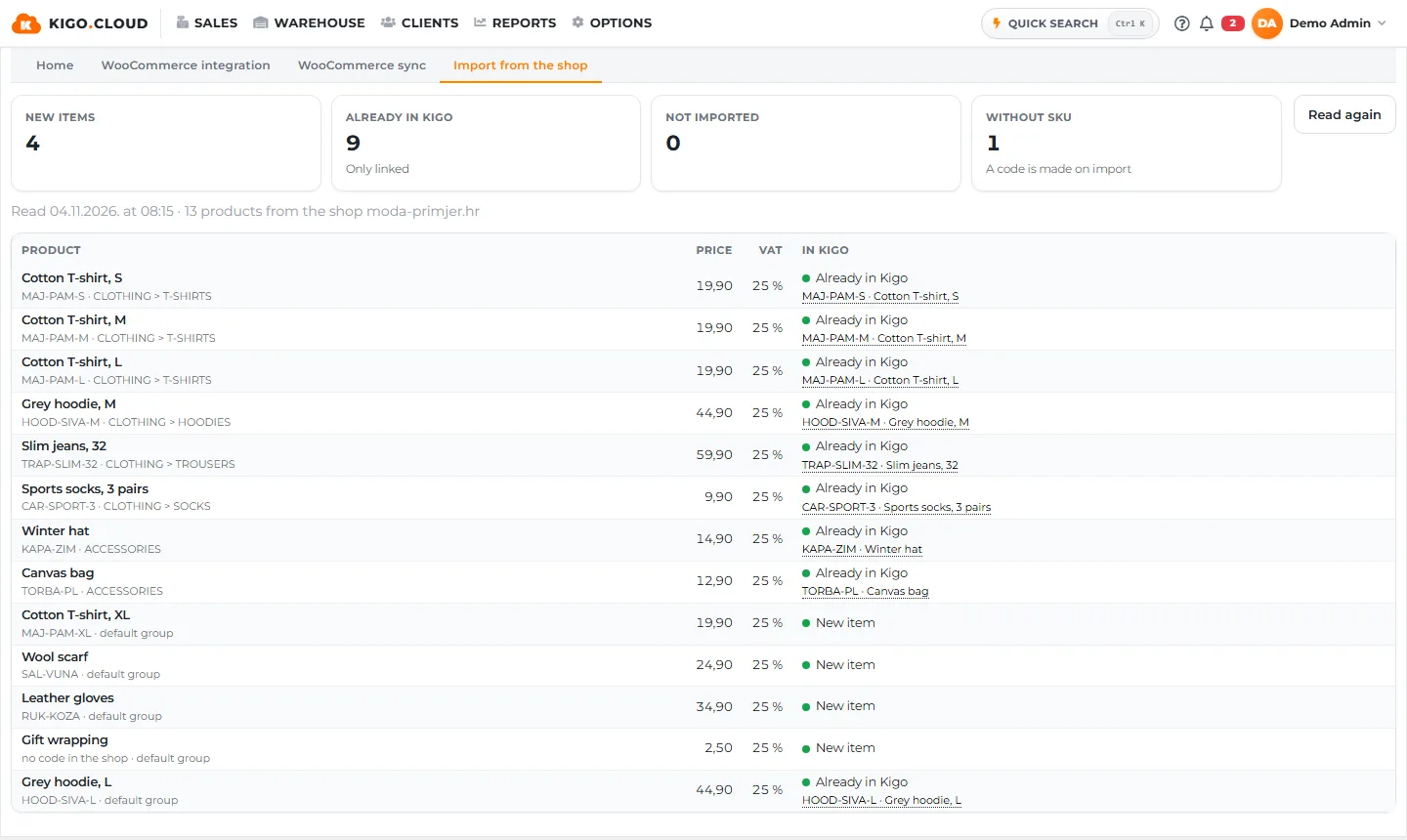
With the Business plan Kigo.Cloud and your shop keep items, stock and prices in step both ways. A sale at the till lowers the stock in the web shop too, and you change a price in one place. Matching goes by product code (SKU), so every variant needs its own code.
- Items, stock and prices both ways
- Warehouse, purchasing and stocktaking in Kigo.Cloud
- Anchor price under the product price in the shop
A Shopify order becomes an invoice, a cancelled one is reversed.
An order from your Shopify shop arrives in Kigo.Cloud, where a fiscalized invoice is created from it. When you cancel the order in Shopify, the invoice is reversed automatically, with no manual work. Extra rules for Shopify orders cover special cases.
- A fiscalized invoice from every order
- Automatic reversal of cancelled orders
- Extra rules for Shopify orders
| Event | Kigo.Cloud |
|---|---|
| Order paid | Invoice 1186-2-1 |
| Order cancelled | Reversal 1187-2-1 |
What to prepare in the shop.
Your shop needs tidy product codes (SKU) and tax rates. Place the first order as a test and check that the document appears in Kigo.Cloud. If your shop is on neither WooCommerce nor Shopify, the same link works through the documented API.
- A code (SKU) for every product and variant
- Tax rates in the shop
- A test order before the first real one
What WooCommerce and Shopify includes
- A web order becomes a fiscalized invoice
- Two-way sync of items, stock and prices
- Own plugin KigoCloud for WooCommerce
- R1 company invoice at the web shop checkout
- Invoice and e-mail to the customer in English or German
- Automatic cancellation invoice for a cancelled Shopify order
- Automatic cancellation invoice for a cancelled WooCommerce order
- Gift cards in Shopify and WooCommerce: buying a gift card and paying with it
- Additional rules for Shopify orders
From the Standard plan.
Registration is free and needs no card. You can change the plan as the business grows, with the same data.
| Starter | Standard | Business | Premium | |
|---|---|---|---|---|
| Receiving and fiscalizing web orders | – | ✓ | ✓ | ✓ |
| R1 invoice and invoice language | – | ✓ | ✓ | ✓ |
| Two-way sync of items, stock, prices | – | – | ✓ | ✓ |
| Anchor price in the shop | – | – | ✓ | ✓ |
Frequently asked questions
Can I fiscalize orders from a WooCommerce shop?
Yes. With the KigoCloud for WooCommerce plugin a shop order becomes a fiscalized invoice in Kigo.Cloud. Connecting is available from the Standard plan.
Does Kigo.Cloud support Shopify?
Yes. A Shopify order becomes a fiscalized invoice and a cancelled order is reversed automatically. From the Business plan items, stock and prices sync both ways.
Does a sale in the store lower the stock in the web shop?
Yes, with two-way sync in the Business plan the stock is the same in Kigo.Cloud and in the shop.
What if my shop is on neither WooCommerce nor Shopify?
Kigo.Cloud has a documented API through which your own system or another shop sends invoices, items and customers and changes the payment status.
Read more
Shopify and fiscalization in Croatia
A Shopify shop connected to Kigo.Cloud: every order gets a fiscalized invoice.
Shopify ERP integration: items, stock and prices
The Shopify shop and the store work with the same items, stock and prices, from one program.
Fiscalization for web shops in Croatia
An order from the web shop becomes a fiscalized invoice in Kigo.Cloud, without retyping.
OSS sales in the EU: invoices without fiscalization and records by country
Invoices for distance sales to EU consumers are issued without fiscalization, with the rate of the buyer's country, and for each quarter you have the totals by country and rate.
Related areas
Stripe, API and import
For card payments on the web and for your own systems.
Software that more than a thousand Croatian companies already rely on.
Kigo.Cloud is made by Symmetria d.o.o. from Zagreb and BID Grupa d.o.o. from Rijeka, a team building invoicing and fiscalization software since 2013, with support in Croatian and English.
Start working in Kigo.Cloud
Signing up is free, no card needed. For questions, write to us at [email protected].